
Choosing the right phone for older adults is not just about cost. Learning how to buy cheap cell phones for seniors ensures you focus on essential needs.
In this guide, you will discover affordable options without sacrificing critical features. We’ll explain what to consider, where to look, and how to compare models and plans.
Understand Senior Needs
Before buying a phone, it’s important to understand what seniors really need. Most prioritize safety, clarity, and ease of use.
Seniors often struggle with small buttons and complex menus, so simplicity is key. Devices with clear screens, large keys, and emergency functions are highly recommended.
Many don’t need internet access, while others want basic apps. Choose based on their actual daily habits and comfort with technology.
Types of Affordable Cell Phones for Seniors
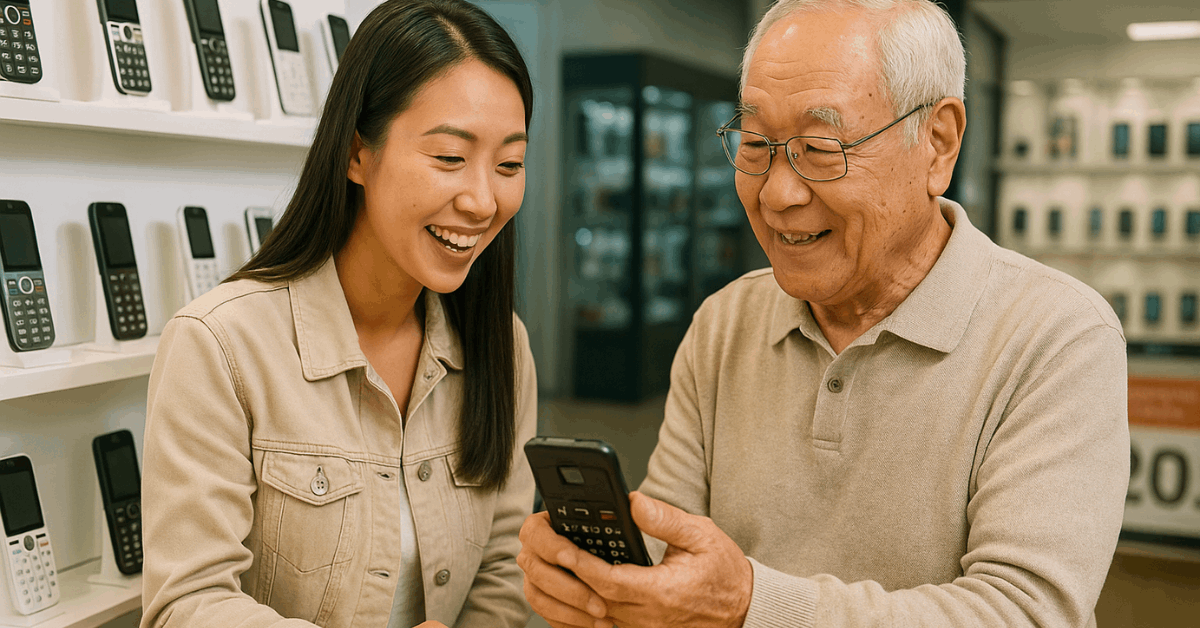
Several affordable phone types suit different senior needs. Knowing these categories helps you make a smart and practical choice.
Basic Flip Phones
Basic flip phones are ideal for seniors who only need calling and texting. These phones offer large buttons and a small, durable screen.
They often feature physical keypads with tactile feedback. The battery life is long, and the software is very straightforward.
Most models include loud audio and limited menus. Flip phones are the easiest and cheapest to use.
Entry-Level Smartphones
Entry-level smartphones provide more modern functionality. Seniors who want to use messaging apps or take photos may prefer this type.
These phones often include simplified Android or iOS interfaces. They support voice commands and larger font settings.
Prices are low compared to high-end phones. These are good for semi-tech-savvy seniors.
Senior-Specific Phones
Some phones are made specifically for seniors' needs. Brands like Jitterbug design phones with custom senior-focused software.
They offer emergency buttons, large fonts, and simplified menus. Medical alert functions are often built-in.
These phones are generally easy to set up and use. They cost more than basic models but offer unique benefits.
Refurbished Phones
Refurbished phones are used models restored to full function. They come at much lower prices than new phones.
Buying from trusted platforms ensures warranty and quality. Seniors can get reliable smartphones without spending much.
These phones should be checked for condition and battery health. Always verify carrier compatibility before buying.
Must-Have Features for Senior Phones
When buying a phone for a senior, focus on features that make usage easier. These features improve the phone’s usability and safety for elderly users.
- Large buttons and screen: Helps with poor vision and easier dialing.
- Loud volume and hearing aid compatibility: Ensures they hear calls clearly.
- Simple interface: Reduces confusion and prevents mistakes.
- Emergency button (SOS): Offers quick access to help during emergencies.
- Durable and lightweight design: Easier to hold and less prone to damage.
- Long battery life: Prevents frequent charging, which can be confusing.
Where to Buy Cheap Senior Phones?
Buying affordable phones for seniors is easier with the right sources. Focus on platforms that offer good prices and clear user feedback.
Online Retailers
Websites like Amazon, Walmart, and Best Buy offer a wide range of affordable phones. These platforms display user reviews to help assess quality.
Flash sales and daily deals can reduce prices further. Shipping options and return policies are usually flexible.
Carrier Stores
Mobile providers like Verizon and AT&T sell phones at their physical and online stores. Some offer special discounts or plans for seniors.
It's easier to check compatibility and get activation support directly. Carriers may also help set up the phone.
Refurbished and Local Options
Sites like Swappa, Decluttr, or Gazelle sell certified refurbished phones. These are lower cost with quality control and warranties.
Local electronics shops or supermarkets may offer promotions. Always verify return policies and carrier compatibility.
Choosing the Right Cell Plan for Seniors
A good phone needs a matching plan. Plans should be simple, affordable, and flexible.
- Prepaid Plans: No contract and easier to control costs.
- Senior Plans: T-Mobile 55+, Consumer Cellular are popular choices.
- Lifeline Program: Government benefit for low-income seniors.
- Unlimited Text and Minutes: Helps avoid confusion with usage limits.
Top Budget-Friendly Phones for Seniors (2025)
Some models offer great value while meeting senior-specific needs. Here are highly rated phones that balance price and usability.
- Jitterbug Flip2: Large buttons, loud speaker, and emergency support.
- Alcatel Go Flip 4: Basic phone with 4G and clear display.
- Nokia 225 4G: Affordable and easy to use.
- Moto G Play (2024): Simplified Android experience.
- Samsung Galaxy A03s: For seniors comfortable with touchscreens.
Tips to Help Seniors Learn Their Phone
Teaching a senior how to use a phone improves safety and comfort. These strategies work for most users.
- Use the phone’s tutorial or demo mode to explain features.
- Set up speed dial and emergency contacts for faster access.
- Write a short user guide in large font and place it near the phone.
- Demonstrate how to make and receive calls multiple times.
- Encourage them to use it daily to build comfort.
Mistakes to Avoid When Buying
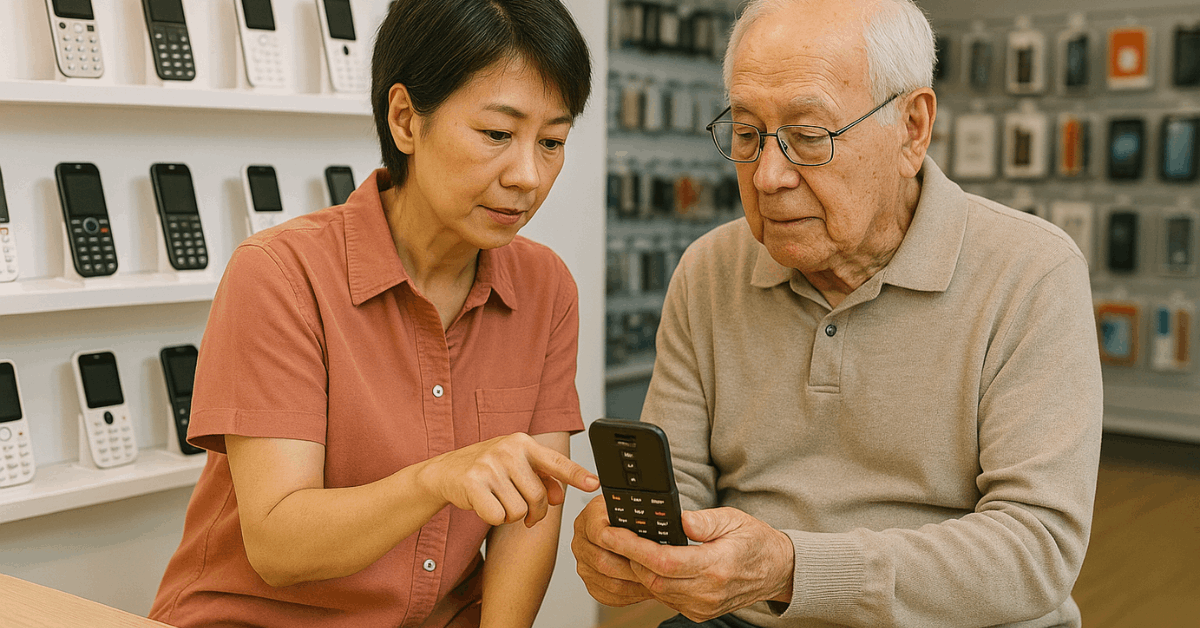
There are common mistakes that make phones harder for seniors to use. Avoiding them saves time and frustration.
- Buying phones with too many features that they won’t use.
- Choosing devices with small text or confusing menus.
- Ignoring the importance of loud volume or accessibility settings.
- Forgetting to check if it’s unlocked or compatible with their carrier.
Government Programs and Discounts
Several government programs help reduce the cost of phones and plans for seniors. It’s worth checking eligibility.
- Lifeline Program: Offers free or discounted phones and service for low-income users.
- ACP (Affordable Connectivity Program): Helps cover internet costs for those who qualify.
- Local Community Centers: Some offer free phones or training sessions.
- AARP Discounts: May apply to phones or mobile plans through selected partners.
When a Smartphone Might Be Better
Some seniors are comfortable with modern devices. Smartphones can be useful when they meet specific needs.
- Video calling with family via apps like Zoom or WhatsApp.
- Using health apps like reminders for medication.
- Accessing digital banking or email independently.
- Enjoying photos, music, or social media with guidance.
Best Practices Before Final Purchase
Take a few steps before confirming your purchase. These can save money and prevent regret.
- Check return policies for flexibility if the phone doesn’t work out.
- Confirm warranty coverage and available support.
- Ensure compatibility with the existing or planned network.
- Test the phone’s basic features before wrapping up the sale.
Summary Checklist for Buyers
Use this checklist to finalize your decision. It's useful whether buying online or in-store.
- Does it meet the senior’s physical and usage needs?
- Is it affordable and backed by reviews?
- Is the plan flexible and senior-friendly?
- Can the senior operate the phone comfortably?
- Is help available if they forget how to use it?
Final Thoughts: The Right Phone Can Empower
Every senior deserves a reliable way to stay connected and feel safe. Learning how to buy cheap cell phones for seniors ensures they get practical tools without overspending.
The process doesn’t need to be complicated when needs are clear and options are reviewed carefully. With the right approach, buying the perfect phone becomes simple and rewarding.